
An online store that sells from your real stock
A customer-facing online store you run on OrienOS's own builder, or embed into the website you already have — on the same database as your stock and your books.
Hosted or embedded
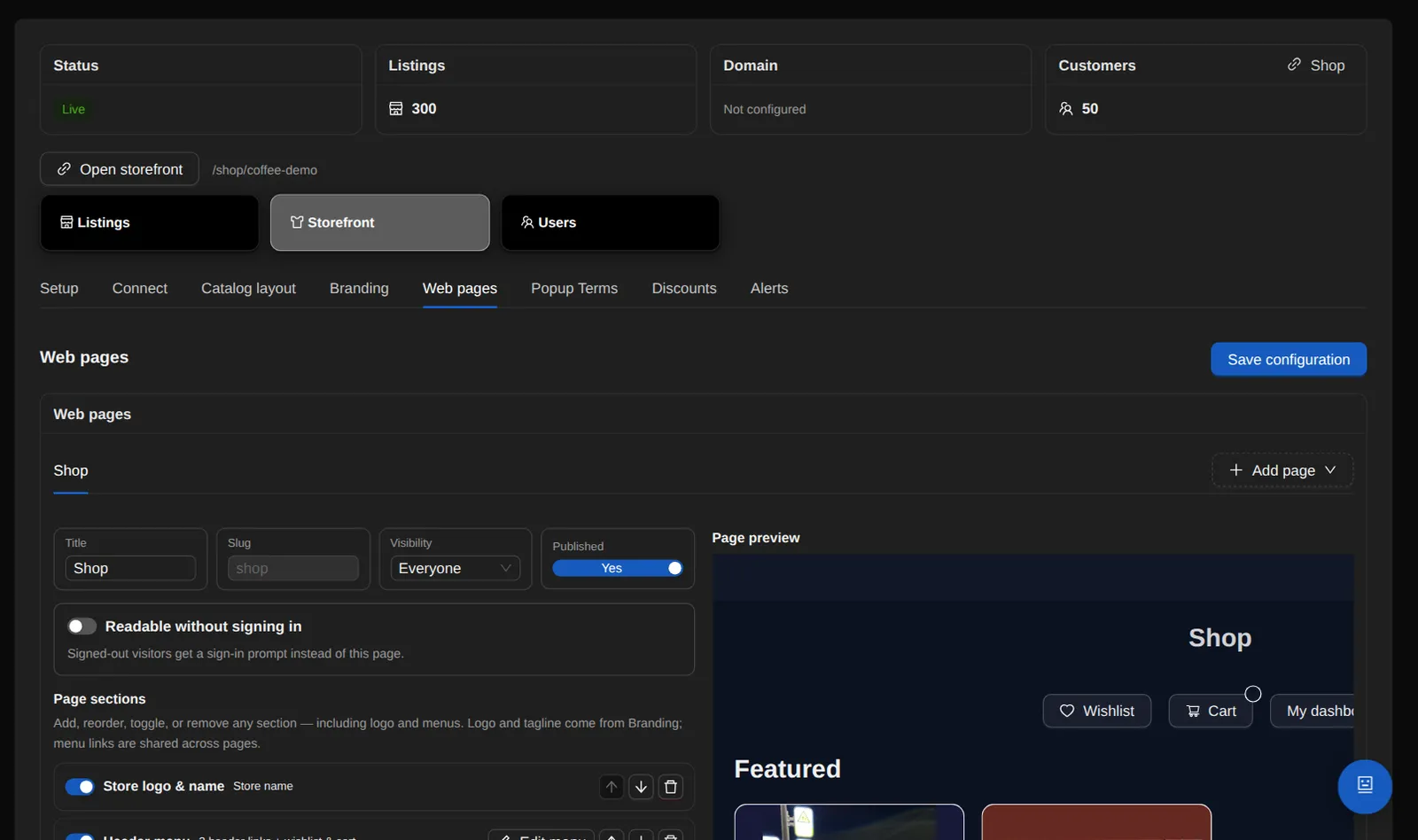
Hosted: build the store in the visual web builder — pages, sections, themes, header and footer menus, custom pages, terms-acceptance gating, and a login wall with per-page public exceptions.
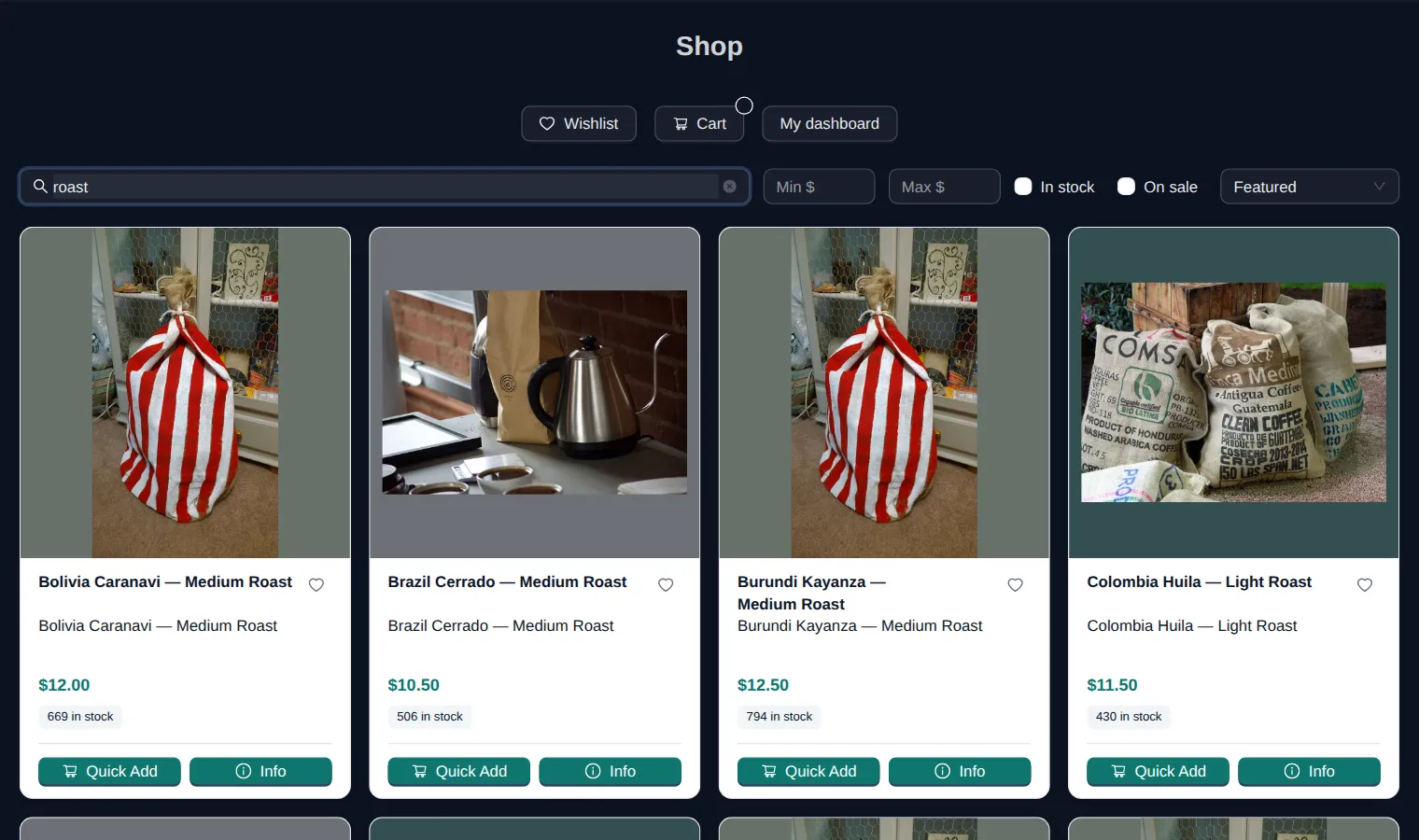
- Embedded: one script tag on your own website mounts OrienOS store widgets — product grid, single product, add-to-cart, cart, checkout, wishlist, login, account and nine more, 17 mount points in all.
- Each widget lives in its own Shadow DOM, so your site's CSS and the widget stay independent.
- Or skip the widgets and draw every page yourself, calling the store API through the SDK's client.
- Either way, the same server rules apply to every shopper — audience-gated catalog, sign-in wall, terms gate, guest checkout, pickup by audience, live carrier rates, the delivery-guarantee choice — because both talk to one store API.
Who sees what
Pages, menu links and price lists can target everyone, signed-in shoppers, specific roles such as VIPs or dealers, or named individuals.
- It's enforced on the server, so private links reach only the right browsers, and a signed-out visitor is sent only the sales, banners and categories they're allowed to see.
- Or put the whole store behind a password.
- Staff can “Log in as customer” — allowlisted, read-only and fully audited — to see exactly what a customer sees.
- Choose what counts as sellable stock — all stock, owned stock only, or per price list — and limit a price list to the warehouses that can ship it.
Checkout and live rates
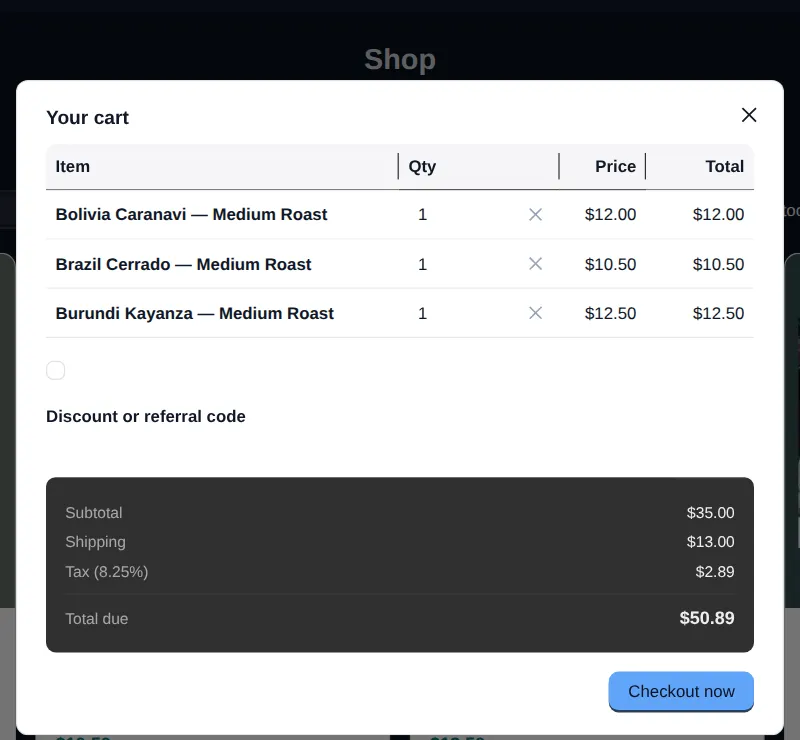
At the address step, the store gets real carrier rates on the actual parcel and shows one final price per service, cheapest first — the carrier rate plus your per-box markup, as one price.
- You set the markup, which services are offered and how many, fallback item and packaging weights, and a fallback flat price.
- The rate quote lives on the server for 30 minutes and checkout takes the shopper's own selection, so a cart edit, an address change or an expired quote gets a fresh quote, and the shopper pays the price they saw.
- The service sold and the box it was priced on are frozen onto the order.
- Name your product types and how many of each your boxes hold, and a cart is packed into the smallest box that fits — with its real dimensions and empty weight — so the carrier prices dimensional weight honestly.
- A cart bigger than your largest box is split across several boxes, each priced.
- Limit live rates to the countries you name, with a flat charge elsewhere. Local pickup stays $0.
Also at checkout
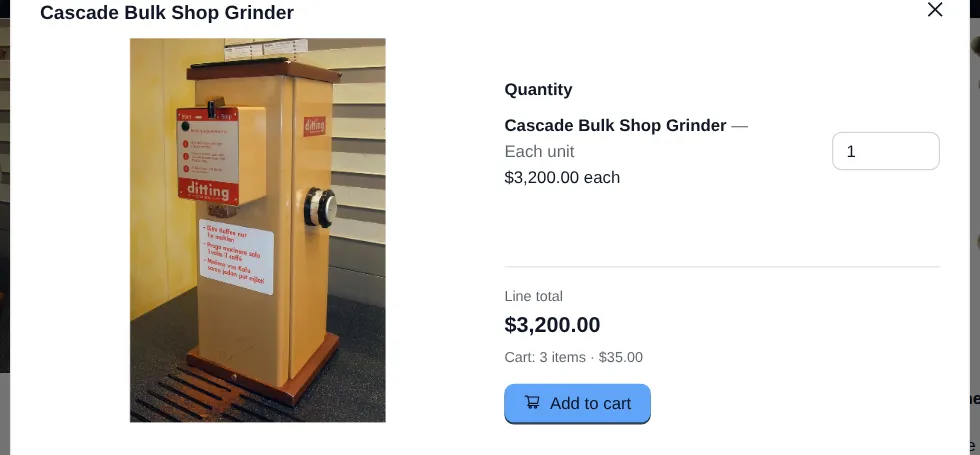
- Customer accounts, wishlists, carts and quantity discounts.
- Multiple payment methods, each with its own checkout instructions.
- The order total the customer sees includes sales tax, so what they see is what they owe.
- Offer local pickup by audience — everyone, chosen roles or people, or everyone except — and let each price list name its own pickup location. The location is stamped on the order.
- What a customer attests at sign-up — age minimum, terms, marketing opt-in — is recorded with the server's timestamp and shown on their customer record.
- Registration is protected by Cloudflare Turnstile.
Guaranteed Delivery is sold at checkout too: how it works.
Sales and affiliates
Sales are scoped to named price lists or the standard catalog, run on a date range with an optional banner, and use tiered rules: order value, total items or distinct items.
- Sales on different lists apply to one mixed cart at once, and the printed per-sale rows add up to the charged total to the cent.
- When a sale and a coupon or referral code both apply, the shopper gets whichever is larger.
- An affiliate program: applications, dashboards, referral attribution and payouts.
- Staff can attach an approved affiliate to a customer from a searchable picker, one referrer per customer. Past orders and commissions stay as they were, and every assignment is audited.
- “Buy again” re-adds a past order, or one line of it, at today's price, and says plainly what it couldn't add and why.
Store alerts
Write simple rules: when something happens on the store, and only when the details match, tell chosen team members — and, if you want, do something about it.
- 33 kinds of event: a new order, a first order from a new customer, a repeat order, a sign-up through an affiliate, an affiliate sale with the commission it earned, a delivery, and more.
- Conditions are picked from lists: order total, payment method, product, affiliates, state, carrier.
- Each rule goes to named team members every time, or as an hourly or daily summary.
- Three actions can ride along — mark the order paid, approve an affiliate, add the new account to storefront roles — each automatic, or offered as buttons in the alert email.
- Each button opens a page that says exactly what it will do, and acts when you confirm. It works once, and expires after the period you set on the rule.
- Alert links carry record numbers only, keeping customers' names, emails and phones out of the link.
- Every alert is logged with what came of it, and each rule shows when it last fired.
See it on a live screen share.
The person who built OrienOS gives the demo and answers the detailed questions.
Book a demo