
Stock costed from what you actually paid
Inventory with real lot-level costing across multiple warehouses, and purchasing — on the same database as your sales and your books.
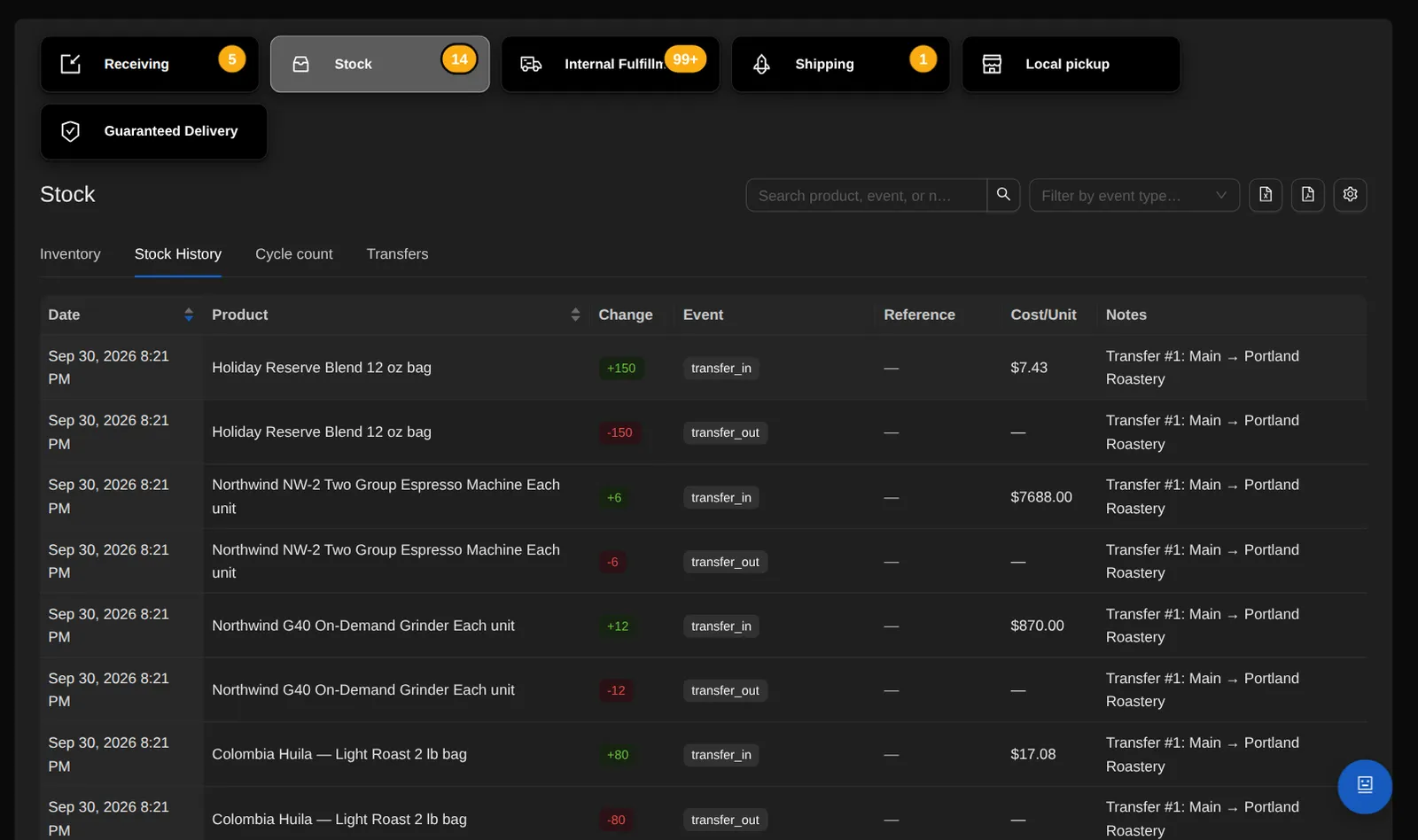
Real lot costing
Every batch you receive becomes a cost layer, and every sale, write-off and giveaway consumes real lots — so reported cost of goods is what you actually paid.
- FIFO stays inside each warehouse: a sale from one location consumes that location's lots.
Stock pools and holds
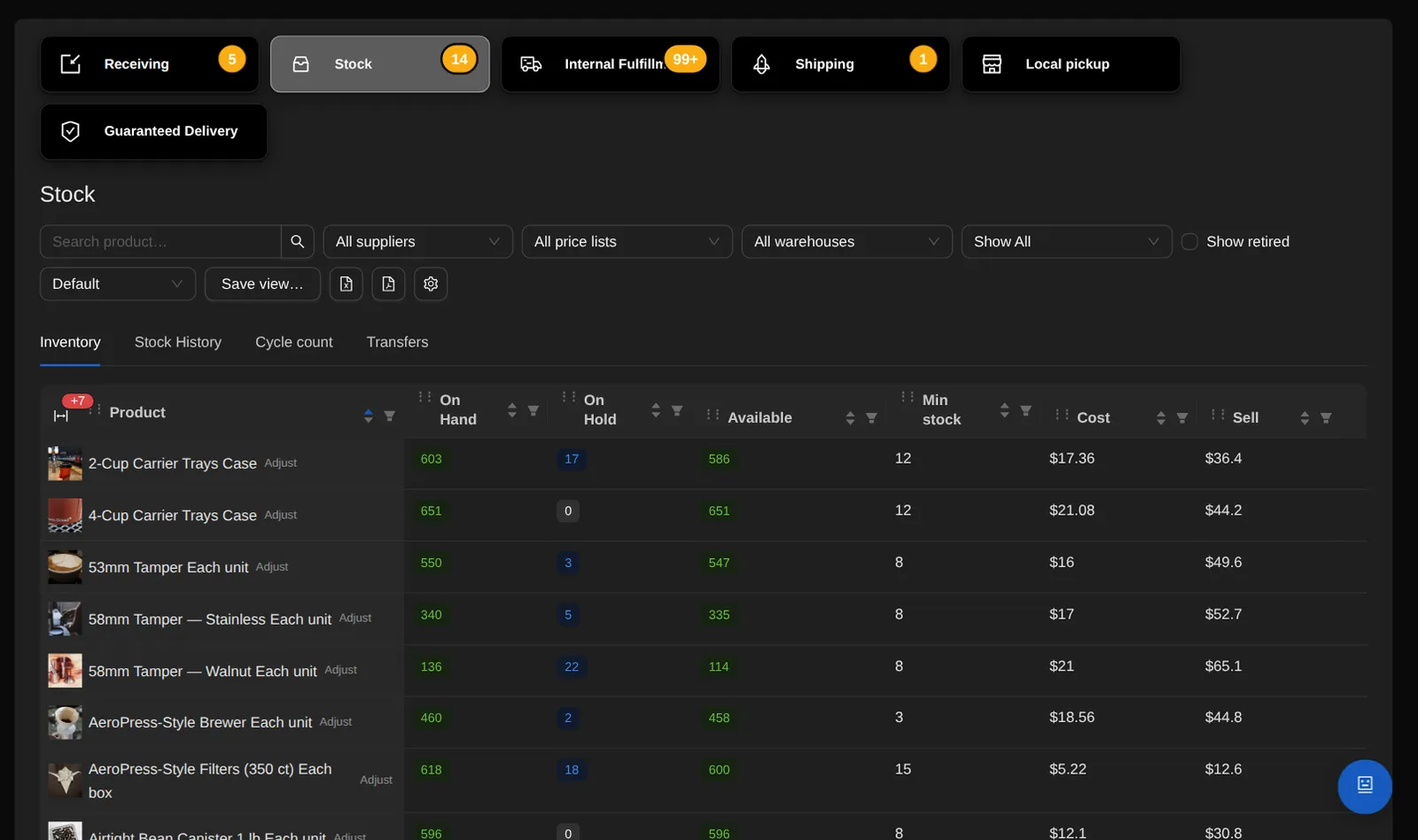
Stock is tracked per warehouse and per price list — your own stock apart from drop-ship supplier stock — so quoting, fulfillment and the storefront all know which pool, and which building, a unit comes from.
- Oversell protection at every gate, with holds per order and per stock pool — plus low-stock alerts.
- Supplier-held stock is its own switch on a price list, separate from drop-ship pricing.
Multiple stock locations
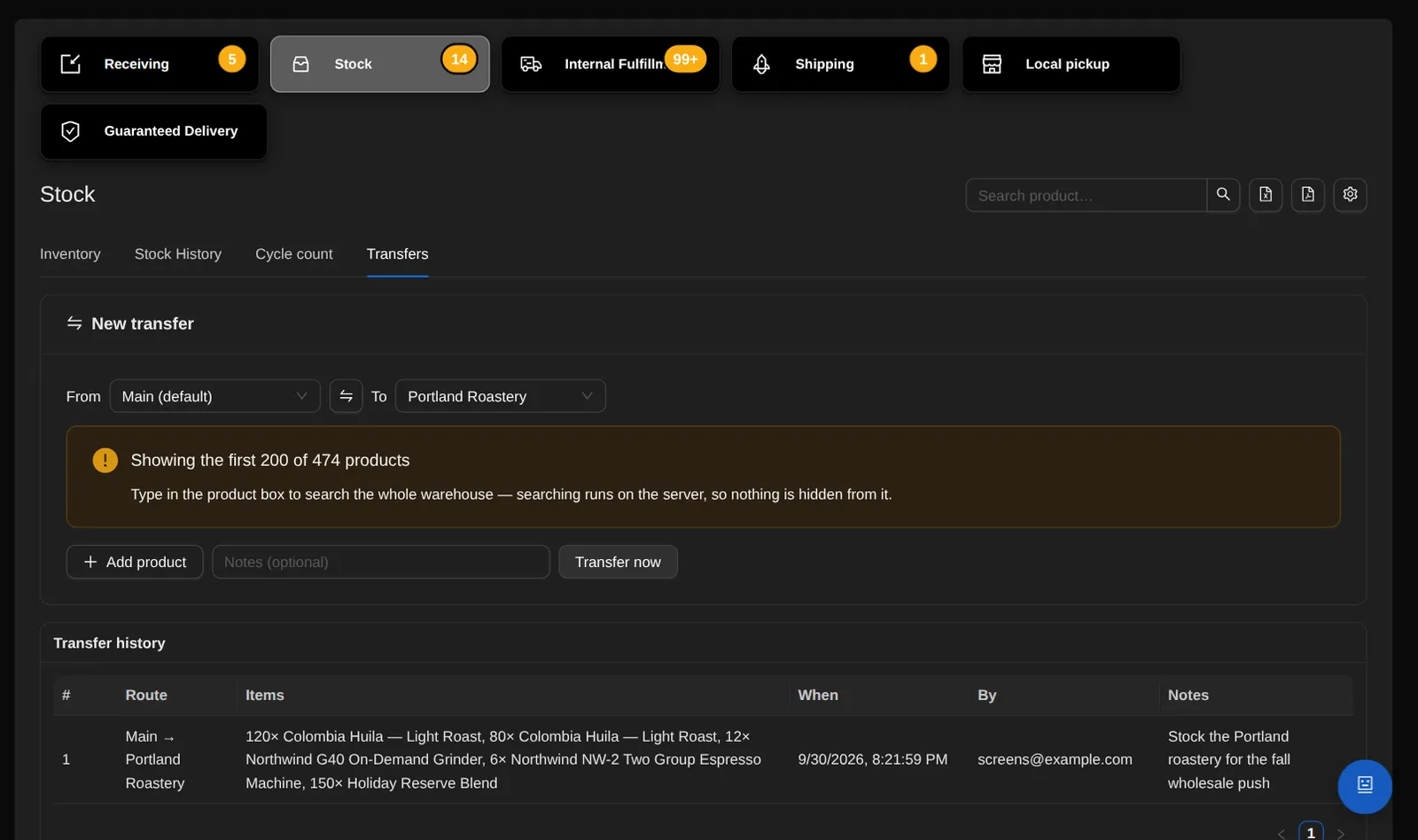
Transfers are instant and move the cost lots with their original cost and receipt date, so margins are identical before and after.
- Add warehouses with full addresses and pick one default. A warehouse that holds stock or history can be deactivated.
- Transfers move un-reserved units, and commit when the before and after totals reconcile.
- Counts, adjustments and write-offs are scoped to the warehouse you're looking at, so each correction stays in its own building.
- The stock screen shows the per-location split on every row, with a CSV that totals all warehouses.
- When an order ships, you pick the warehouse it leaves from, and the label's return address is that warehouse's.
Counts and corrections
Cycle counts with guardrails, write-offs you can reopen and reverse exactly at lot level, and giveaways linked to the person who received them.
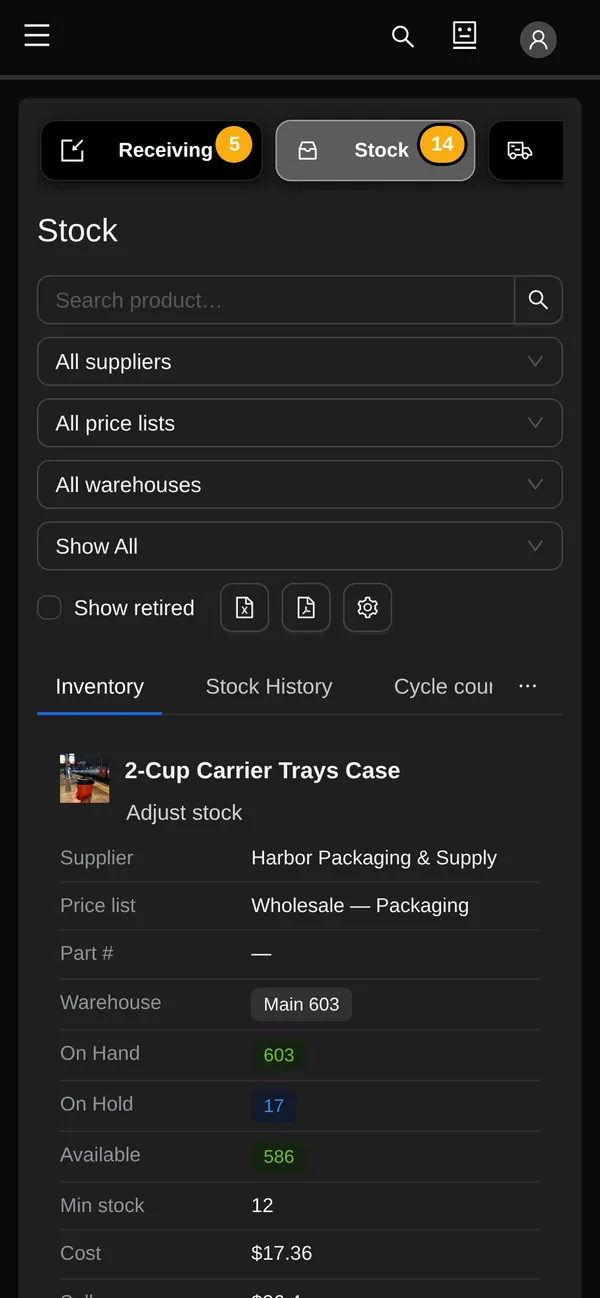
- Retire a product, or a single size, you've stopped carrying: it leaves the stock grid, its exports, the stock report and the pickers, and a “Show retired” checkbox brings it back.
- Stock arriving into a retired size un-retires it automatically, so every unit stays in view.
Purchasing
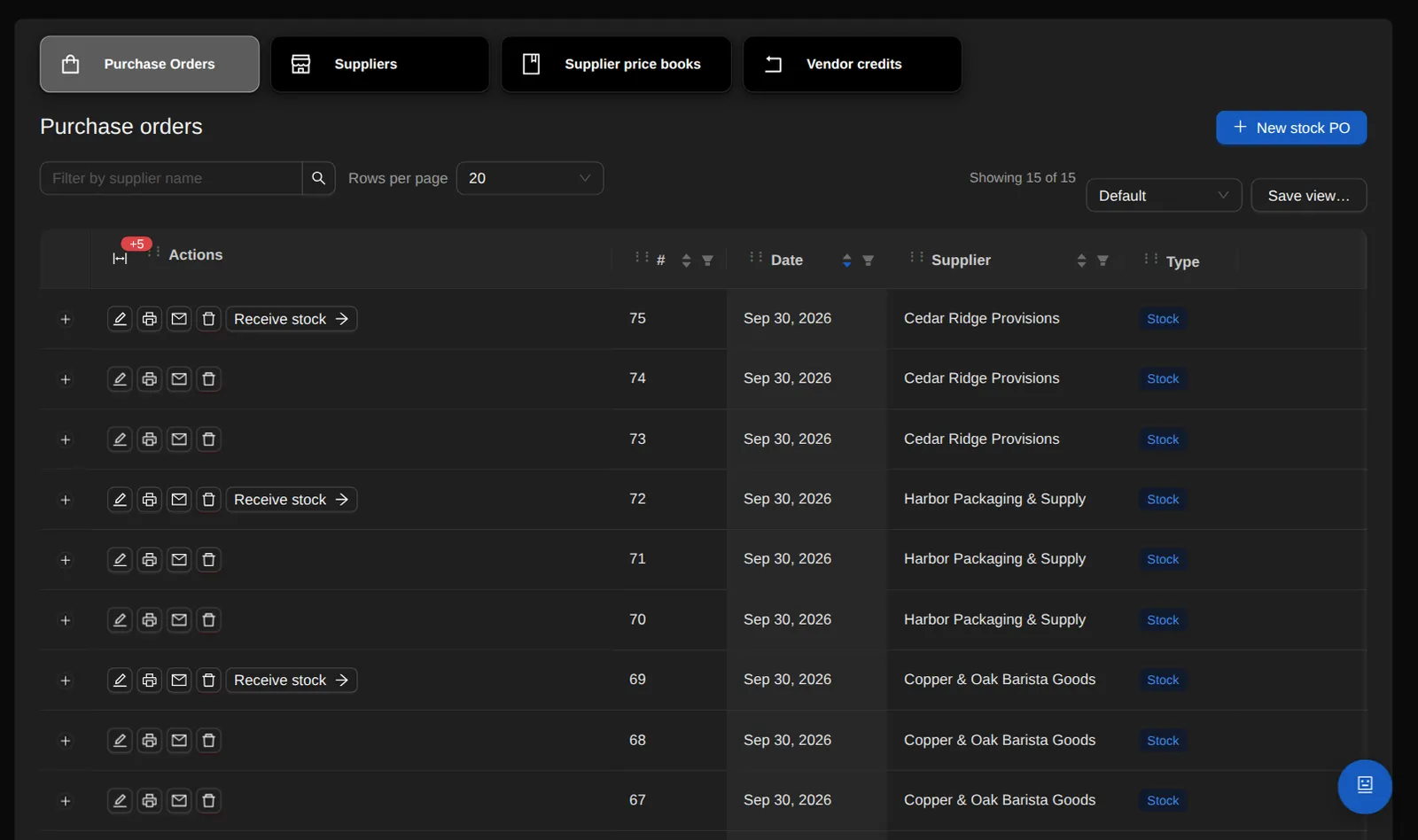
Purchase orders for stock and drop-ship, with a receiving flow into the warehouse you choose.
- Vendor POs are created automatically, one per supplier, from a sales order's lines.
Label sheets
On any purchase order, “Generate label sheets” turns the line quantities into 8.5×11, 300-DPI transparent PNG pages for a Siser print-and-cut workflow, and reports anything still missing art.
- Keep a products-by-labels matrix in named groups, with print art and printed width per cell. A group built from a supplier keeps itself up to date with that supplier's new products.
- Label sheets is an add-on module.
See it on a live screen share.
The person who built OrienOS gives the demo and answers the detailed questions.
Book a demo